
Starter catalog of YouTube sources
Begin with a curated example selection before adding your own sources.
Video screensaver for Windows
Turn classic screensaver videos or any YouTube video into your Windows screensaver.
Choose a starter source or add a YouTube video, set an idle time, and let your Windows PC start fullscreen playback automatically when you step away.
What it does
Screensaver Video Player works like a classic screensaver manager, but instead of installing old .scr files, it plays selected YouTube videos in fullscreen when your PC is idle.
Start with the included example catalog or add your own YouTube source. The app focuses on simple Windows behavior: choose a source, set the idle time, preview playback, and let it run when the computer is unused.
Preview
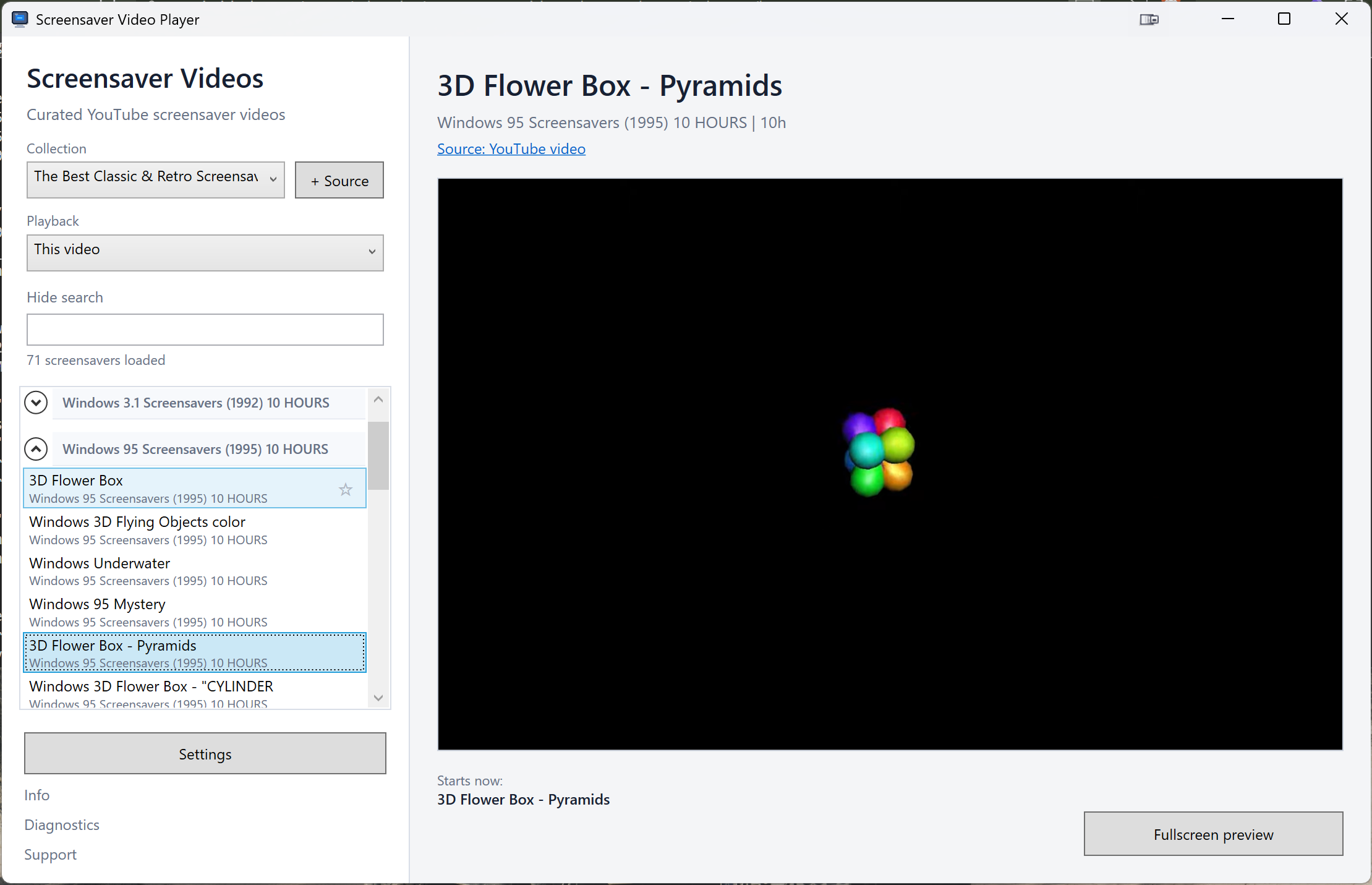
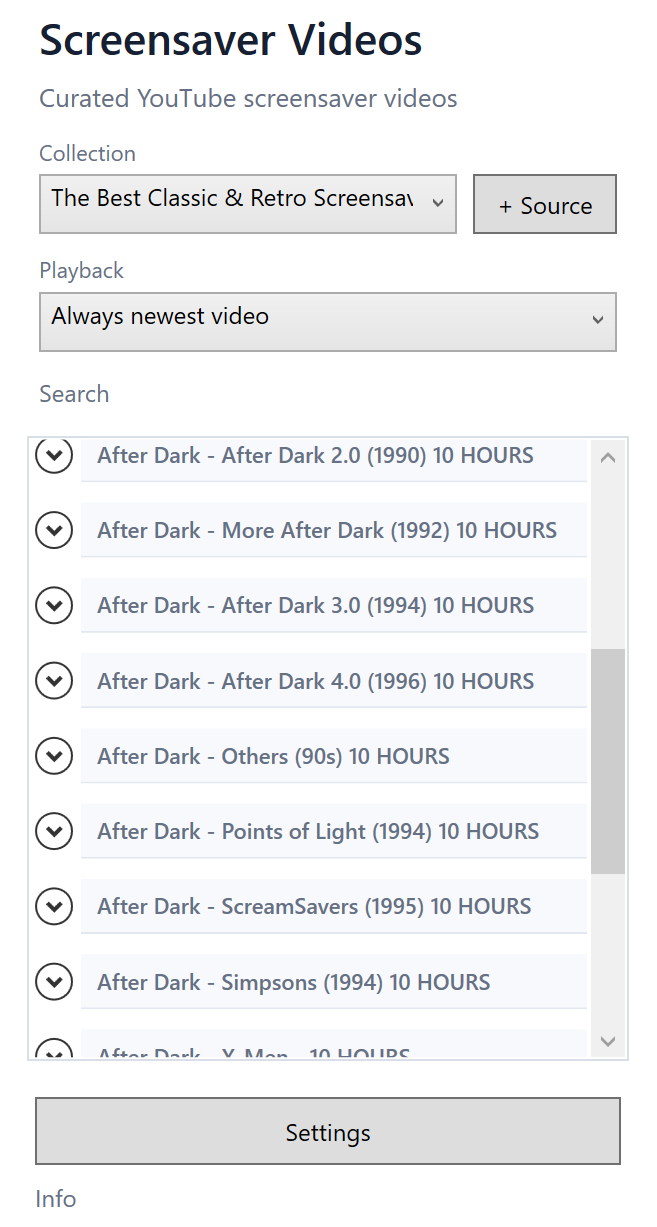
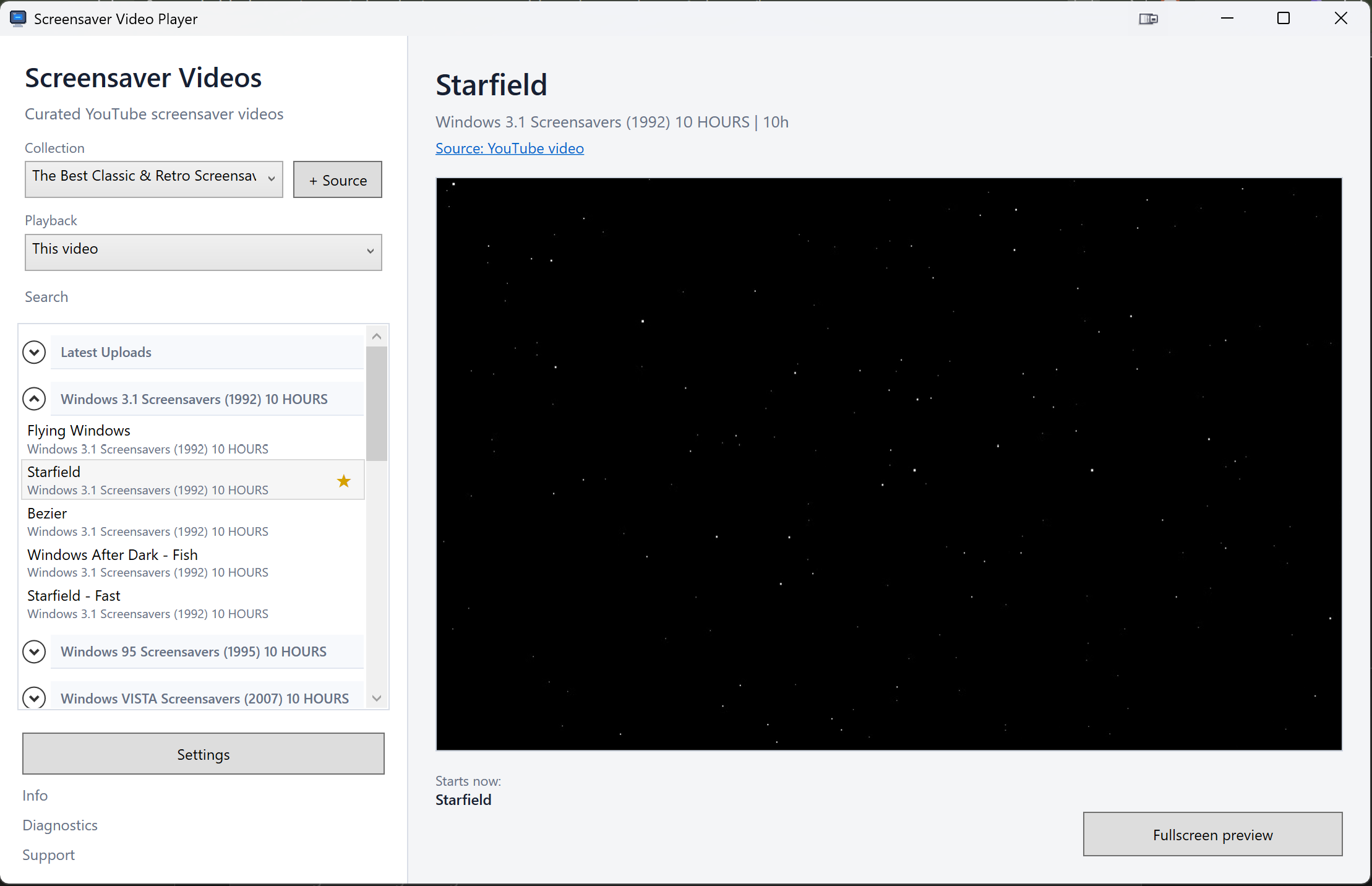
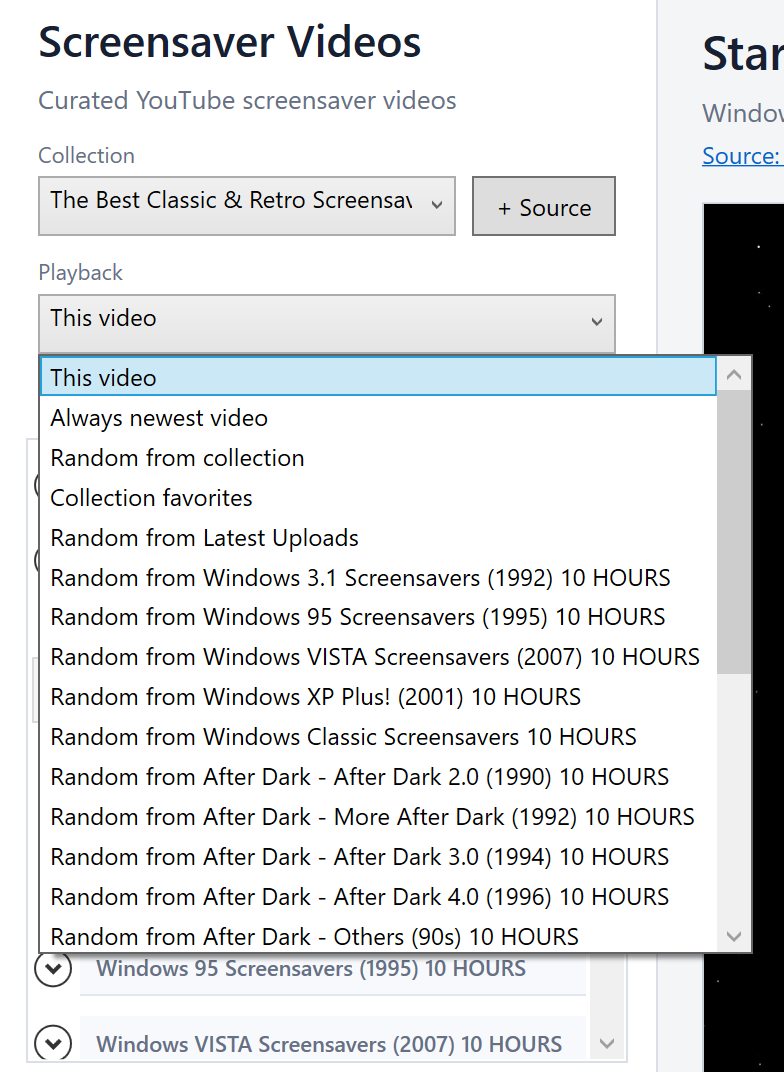
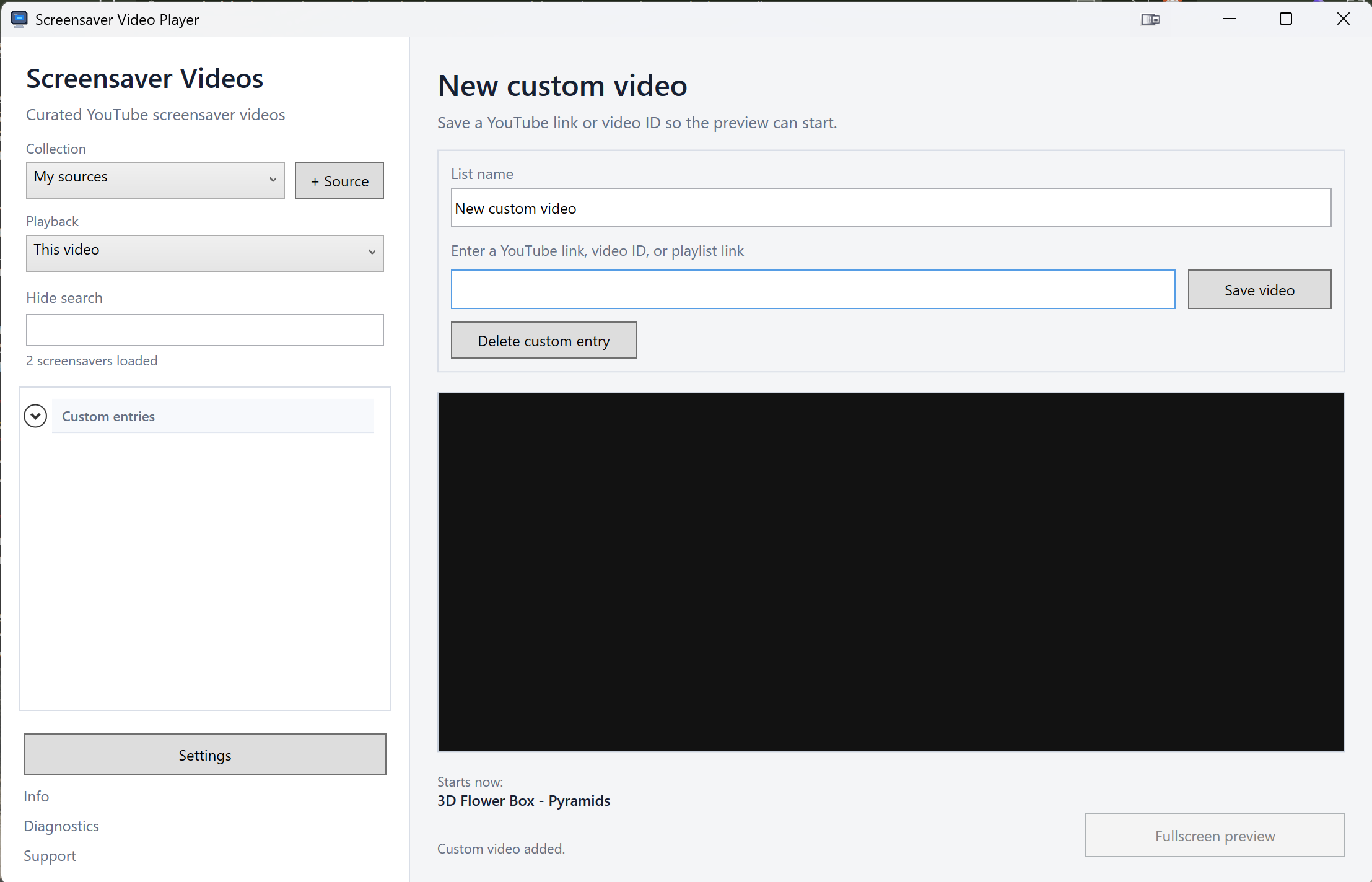
The current preview includes catalog browsing, a selected YouTube source, a video preview area, and fullscreen controls for classic Windows screensaver behavior.
The starter catalog is only a starting point. You can add other YouTube channels, playlists, and individual videos, then choose how playback should behave when your PC is idle.
Features
A practical Windows utility with a starter catalog, custom YouTube sources, fullscreen preview, idle start, and basic system controls.
Begin with a curated example selection before adding your own sources.
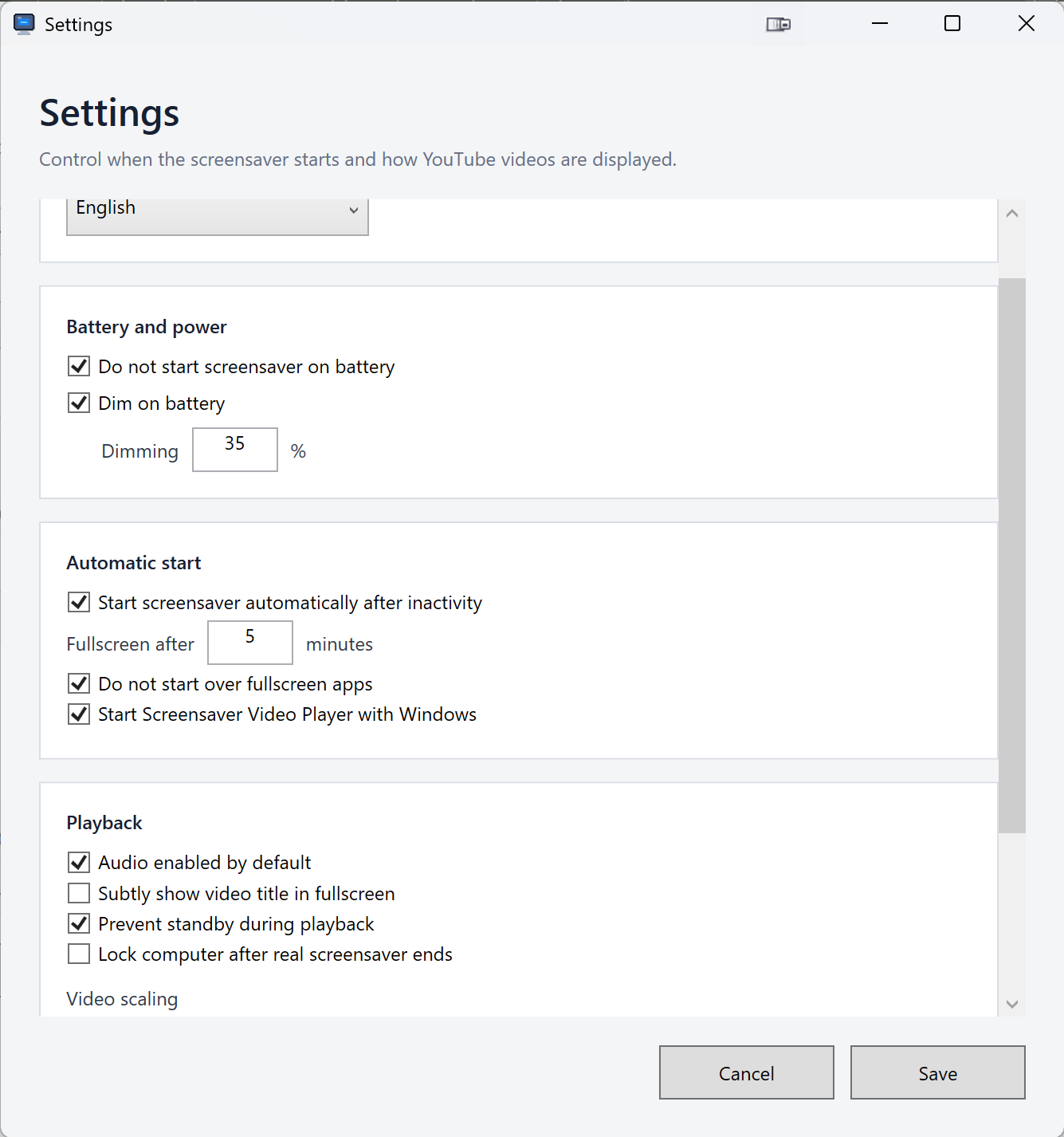
Paste a YouTube video ID or link and use it as a Windows screensaver source.
Choose when the screensaver should start after mouse and keyboard inactivity.
Test a screensaver instantly before relying on automatic start.
Launch the app with Windows so your settings are ready after every restart.
Start fullscreen playback, open settings, or quit from the tray.
Avoid starting the screensaver while another app is already fullscreen.
Prevent display sleep while the screensaver is running, when enabled.
Choose whether screensaver playback should include sound.
Fit, crop, or stretch playback depending on your screen and preference.
Play the same screensaver across connected displays in the current preview version.
Show clear messages when a source is unavailable and copy useful details for support.
Download
The main button downloads the latest Windows installer directly from this page. The file is stored in GitHub Releases, so version history, checksums, and changelog details remain available without requiring visitors to browse GitHub.
Only install files downloaded through screensaver.pro or the linked technical GitHub release page.
Install
.exe file.Early preview builds may trigger a Microsoft Defender SmartScreen warning because the installer is new and may not yet have enough download reputation. It is a reputation warning: Windows has not seen enough trusted installs of this exact file or publisher yet.
For now, only continue if you downloaded Screensaver Video Player through screensaver.pro or the linked technical GitHub release page. You can compare the file name, version, and SHA256 checksum shown on this page.
Current status: public preview builds may be unsigned. Code signing is planned before wider promotion.
Catalog
The included starter catalog lets you try classic and retro screensaver-style playback without collecting links first.
It is a curated example selection based on public YouTube sources, not a closed library. You can add other YouTube channels, playlists, or individual videos and use them as your own Windows screensaver sources.
Changelog
The latest release notes are loaded in the background. GitHub remains available as a secondary technical reference for version history, assets, and checksums.
Loading release highlights.
Source notice
Screensaver Video Player is an independent Windows app. It helps you choose, preview, and play YouTube videos as a fullscreen screensaver experience. The app does not sell, bundle, download, or redistribute video files.
Videos remain hosted by YouTube and are provided by their respective uploaders or rights holders. Availability, advertising, playback behavior, and rights can change on YouTube.
Screensaver Video Player is not affiliated with, endorsed by, or sponsored by YouTube. YouTube is used descriptively as the source platform for video playback.
Pricing and support
Screensaver Video Player starts as a free public preview. The core goal is to make YouTube video sources easy to use as a Windows screensaver.
Later, optional support or premium features may be added. Any paid features will be clearly explained before purchase. Video content itself is not sold by the app; premium would apply to app features, convenience, profiles, advanced catalog options, multi-display controls, or similar functionality.
FAQ
The app starts as a free public preview. Optional support or premium features may be added later, with clear information before purchase.
The public preview is intended for Windows 10 and Windows 11. More specific requirements will be added as the release matures.
The app is designed to support classic screensaver videos and custom YouTube video sources. Playback depends on YouTube availability and embed behavior.
No. It streams through YouTube and does not bundle, sell, download, or redistribute video files.
Early installers may be unsigned and may not yet have enough Microsoft Defender SmartScreen reputation. Code signing is planned before wider promotion.
No. Screensaver Video Player is independent and is not affiliated with, endorsed by, or sponsored by YouTube.
The current preview can play the same screensaver across connected displays. More multi-monitor options may be added later.
Use the support link on this page for now. A dedicated support page will be added before broader distribution, and GitHub remains available for technical release details.